Inspection Documentation
Understanding how property inspection findings are documented, organized, and presented in your report.
Written Inspection Reports
Property inspection reports document the findings from the on-site evaluation in a structured written format. These reports describe the condition of accessible systems and components at the time of inspection.
Reports are organized by building system or area, making it easier to locate information about specific components. Each section describes what was examined, the method of inspection, and the observed conditions. Photographs are included to illustrate significant findings.
The written report serves as a reference document that can be reviewed by buyers, sellers, real estate professionals, and contractors. It provides a record of the property's condition on the inspection date.

Photographic Documentation
Digital photographs form an important part of inspection documentation. Images help illustrate conditions described in the written report and provide visual reference for readers who were not present during the inspection.
Photographs document significant findings, unusual conditions, and areas of concern. They show the location and nature of observed defects or damage. Images are labeled and organized to correspond with the written report sections.
Visual documentation helps readers understand the inspector's observations and provides a permanent record of visible conditions at the time of inspection. Photos complement the written descriptions and add clarity to the report.

Report Components
The key sections and information included in a comprehensive property inspection report.
Property Information
Basic details about the inspected property including address, type of structure, approximate age, and the date and time of inspection. This section identifies what was inspected and when.
Systems Examined
A comprehensive list of the building systems and components that were inspected. This clarifies the scope of the evaluation and what areas were included in the examination.
Detailed Findings
Descriptions of observed conditions organized by system or area. Each finding describes what was observed, where it was located, and its current condition at the time of inspection.
Supporting Photos
Digital images that illustrate significant findings and help readers visualize the conditions described in the written sections. Photos are labeled and referenced in the text.
Areas of Concern
A summary section highlighting conditions that warrant attention, further evaluation, or monitoring. This helps readers quickly identify the most significant observations.
Scope and Limitations
A clear explanation of what the inspection included and did not include. This section describes the boundaries of the evaluation and any limitations encountered during the inspection.
Understanding Report Language
Inspection reports use descriptive language to communicate observed conditions. The terminology aims to be clear and understandable while accurately describing what was seen during the evaluation.
Reports describe conditions as they appeared at the time of inspection. Terms like "appears," "visible," and "accessible" acknowledge that inspections are visual evaluations of observable components. The language reflects the non-invasive nature of the inspection process.
When technical terms are necessary, they are explained in context or defined in a glossary. The goal is to create documentation that can be understood by readers without specialized construction knowledge.

Report Delivery and Format
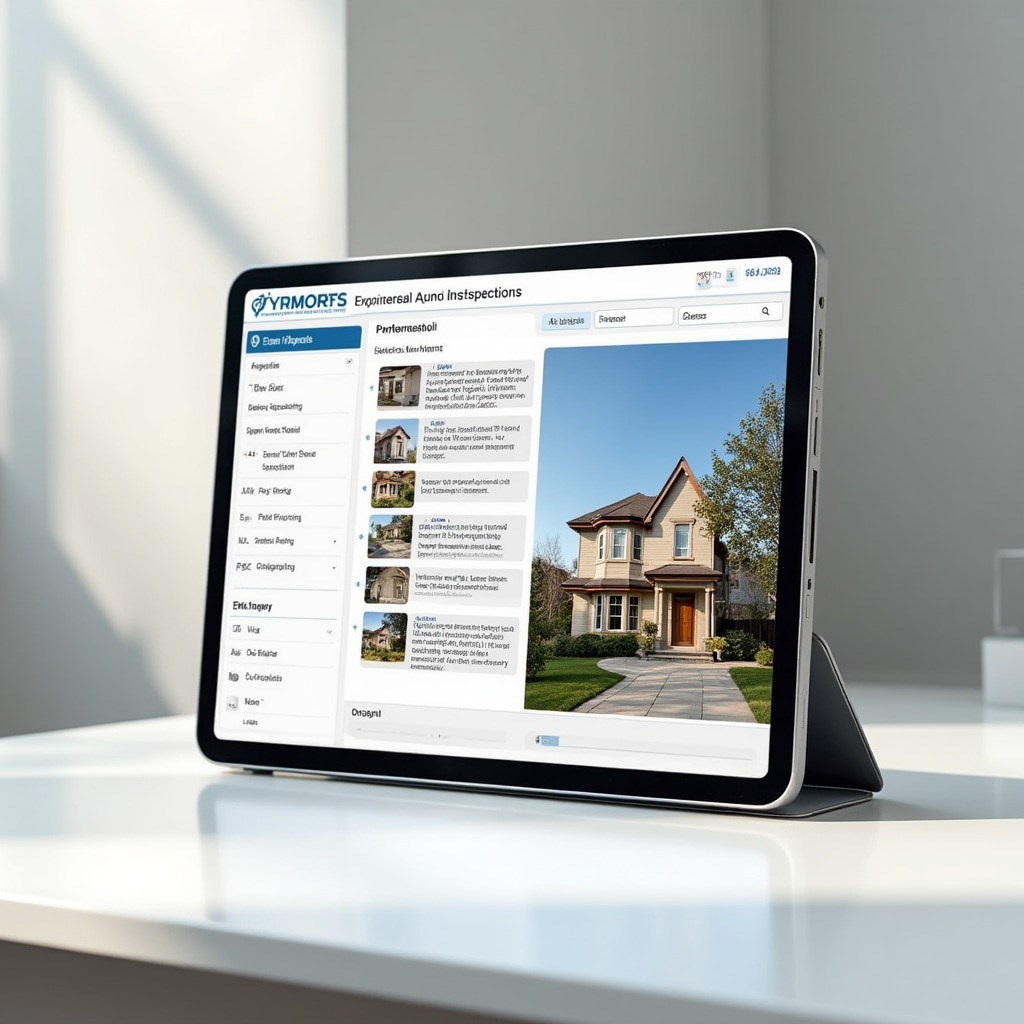
Inspection reports are typically delivered in digital format within a specified timeframe after the inspection. Digital delivery allows for easy sharing with real estate professionals, contractors, and other parties involved in the property transaction.
Reports may be provided as PDF documents that can be viewed on computers, tablets, or smartphones. The format preserves the report layout and ensures photographs display correctly. Digital reports can be easily stored and referenced in the future.
Some inspection companies offer online report portals where clients can access their reports, view photos, and download documents. The delivery method is typically discussed when scheduling the inspection.
Using Your Inspection Report
How inspection documentation can be used to inform decisions and plan for property ownership.
Purchase Decisions
Review the report to understand the property's condition before finalizing a purchase. The documentation helps buyers make informed decisions about proceeding with the transaction.
Repair Planning
Use the report to identify items that may need attention and plan for repairs or maintenance. Share relevant sections with contractors to obtain estimates for work.
Negotiation Reference
The report provides objective documentation that can inform discussions between buyers and sellers about property condition and potential repairs.
Maintenance Scheduling
New owners can use the report to plan ongoing maintenance and understand which systems may require attention in the near future.
Get Comprehensive Documentation
Schedule an inspection to receive detailed documentation about your property's condition.
Request Inspection